One remote for Apple TV, Fire TV and Samsung TV.
Control them all from your Android phone over your home Wi‑Fi. No account, no ads, no tracking.
- Apple TV
- Fire TV
- Samsung TV
- No account or ads
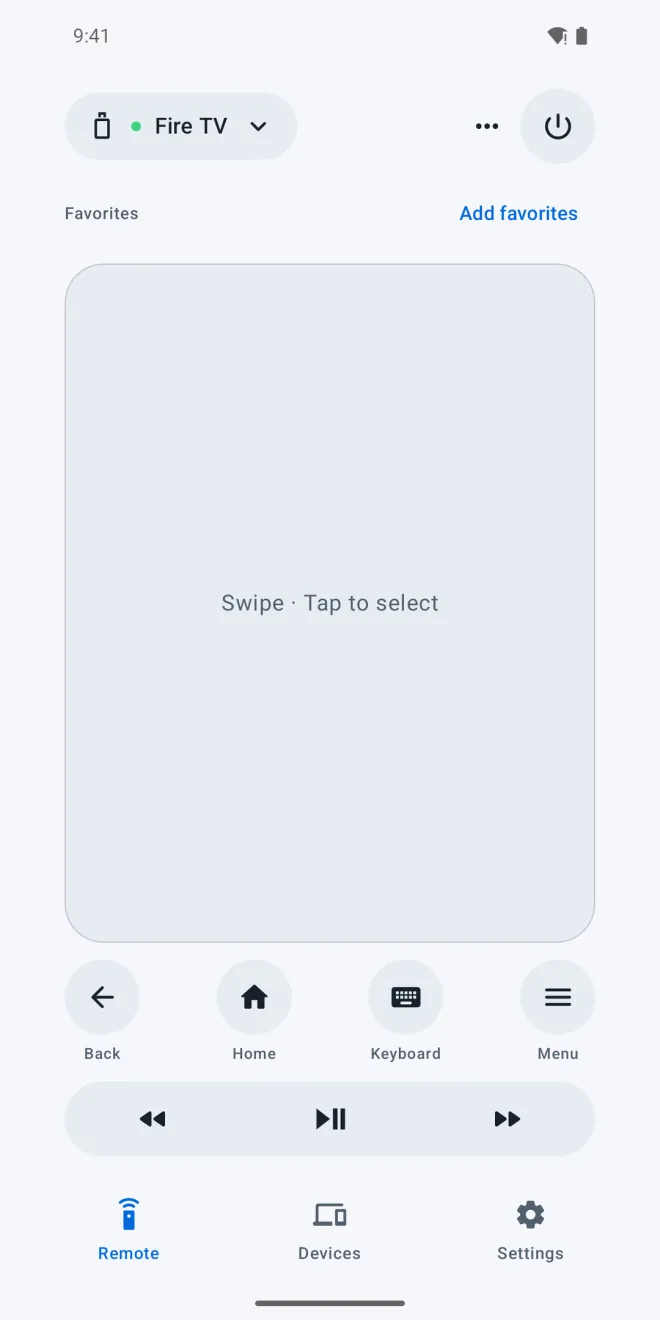
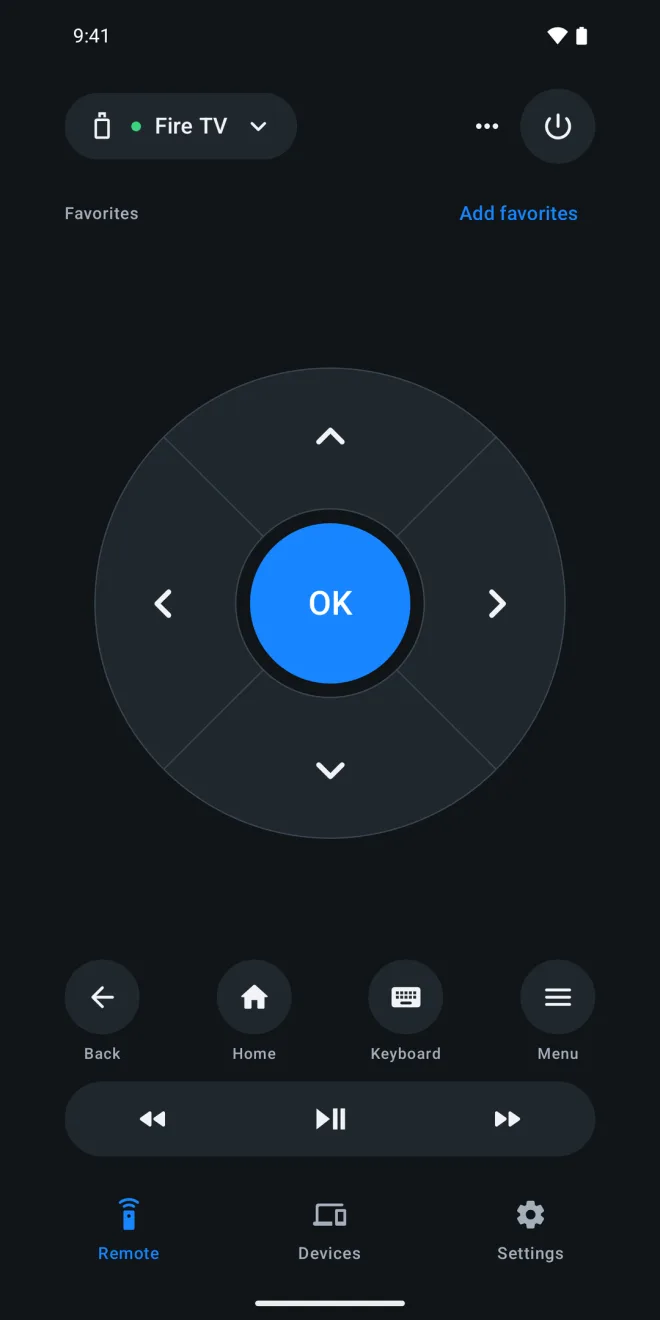
Every TV in one app
Pair Apple TV with the code on your TV, connect a Fire TV with network debugging, and approve the connection on a Samsung TV. The app shows you how, then you switch between them from the remote.
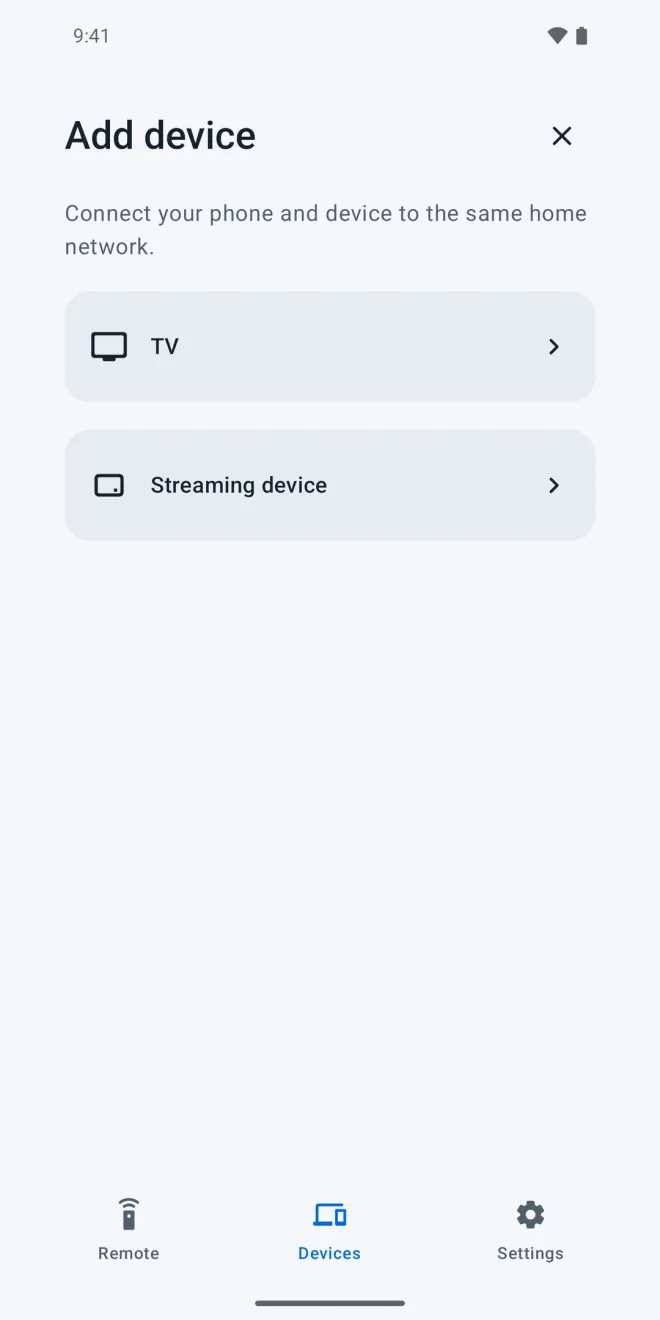
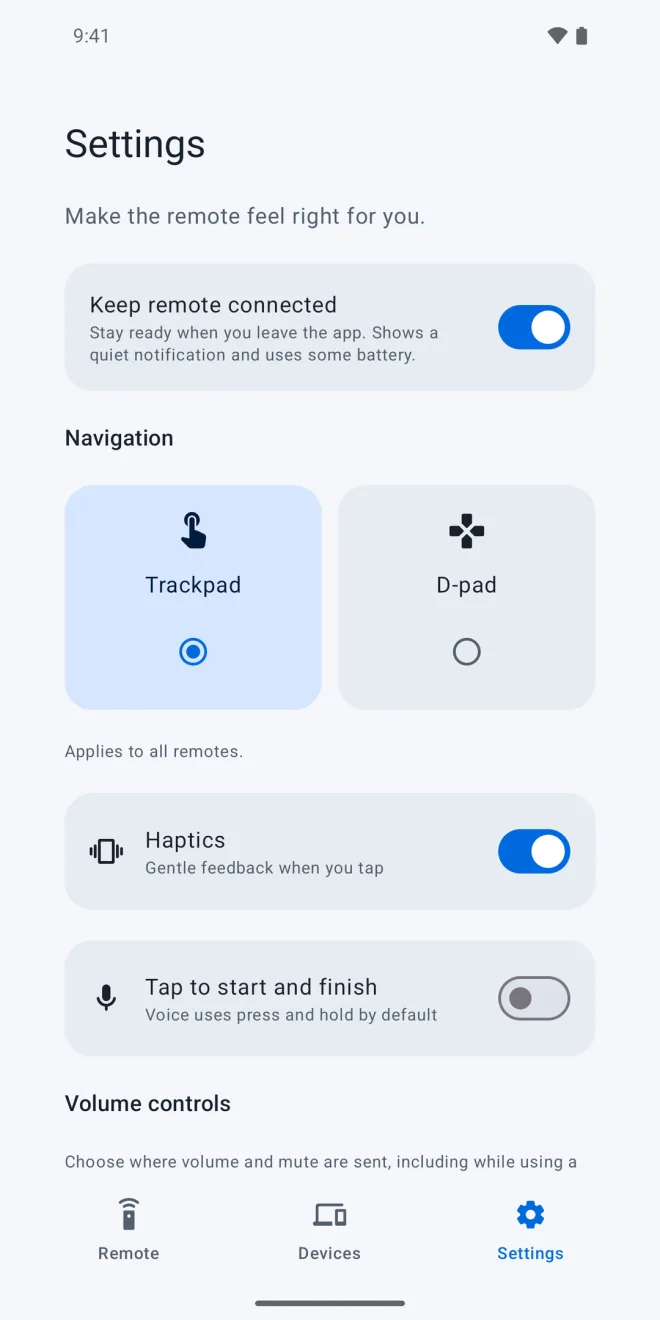
Trackpad or D-pad
Swipe on a trackpad or press a circular D-pad. Type with your phone keyboard, hold Voice to search on Apple TV, and control playback and volume, including a Samsung soundbar.
Ready when you are
Keep the remote connected so buttons respond the moment you tap. Choose your navigation style and haptic feedback once, and every remote follows.
Your TVs, one phone.
Your phone talks directly to your TVs on your local network. No account, no ads, no tracking.